Import from GitHub (Web)
See how the web UI imports an artifact using the same owner/repo/path@version format the CLI accepts — and resolves a vague @latest reference to a concrete, pinned SHA you can see before you confirm.
About This Demo
Duration: ~90 seconds Audience: Engineers evaluating SkillMeat for personal or team use What you'll see: Artifacts page baseline, import modal, source resolution, lockfile metadata preview, confirm, and the new artifact card in the collection
What You'll See
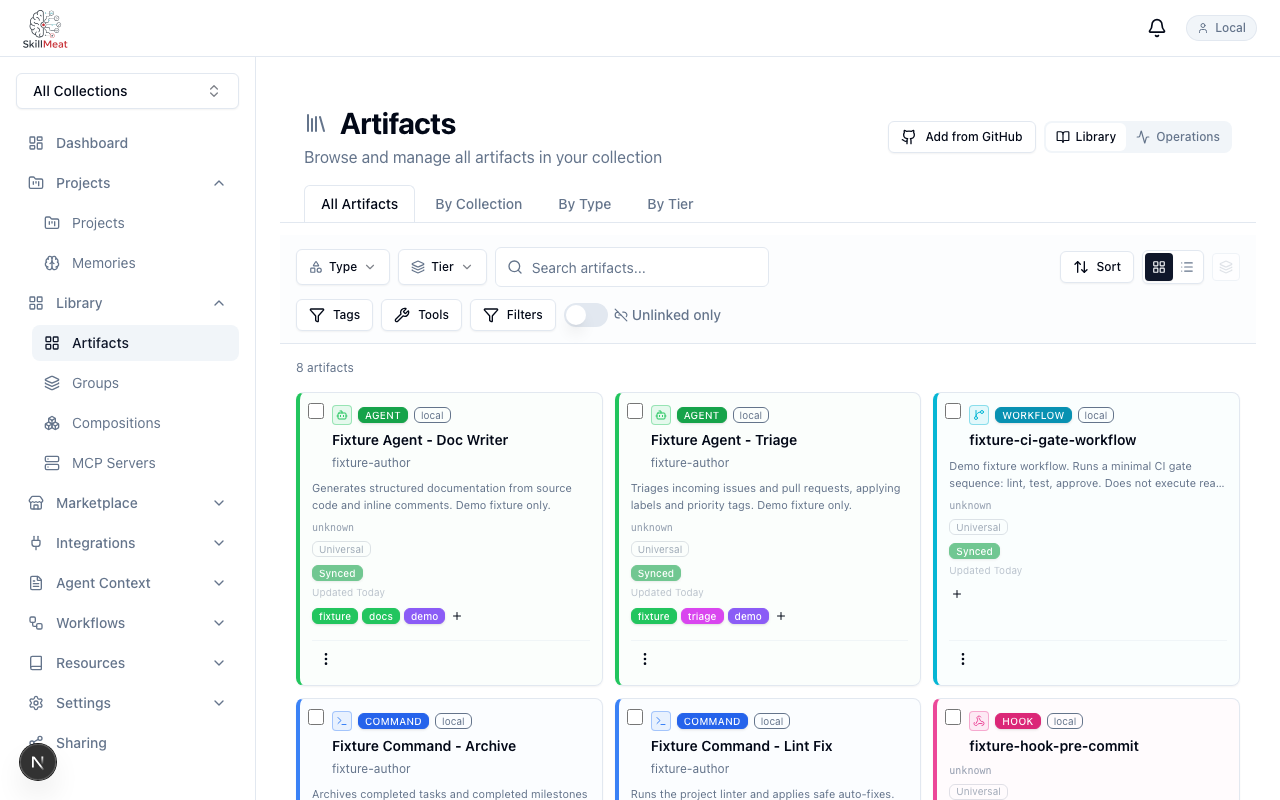
The Artifacts Browser (Before)
The collection lists what's already imported — this is the "before" state.
What's happening:
- The /artifacts page shows the current collection
- The browser lists every artifact across types — skills, commands, agents, and more
- This establishes what was there before the new import
Open the Import Modal
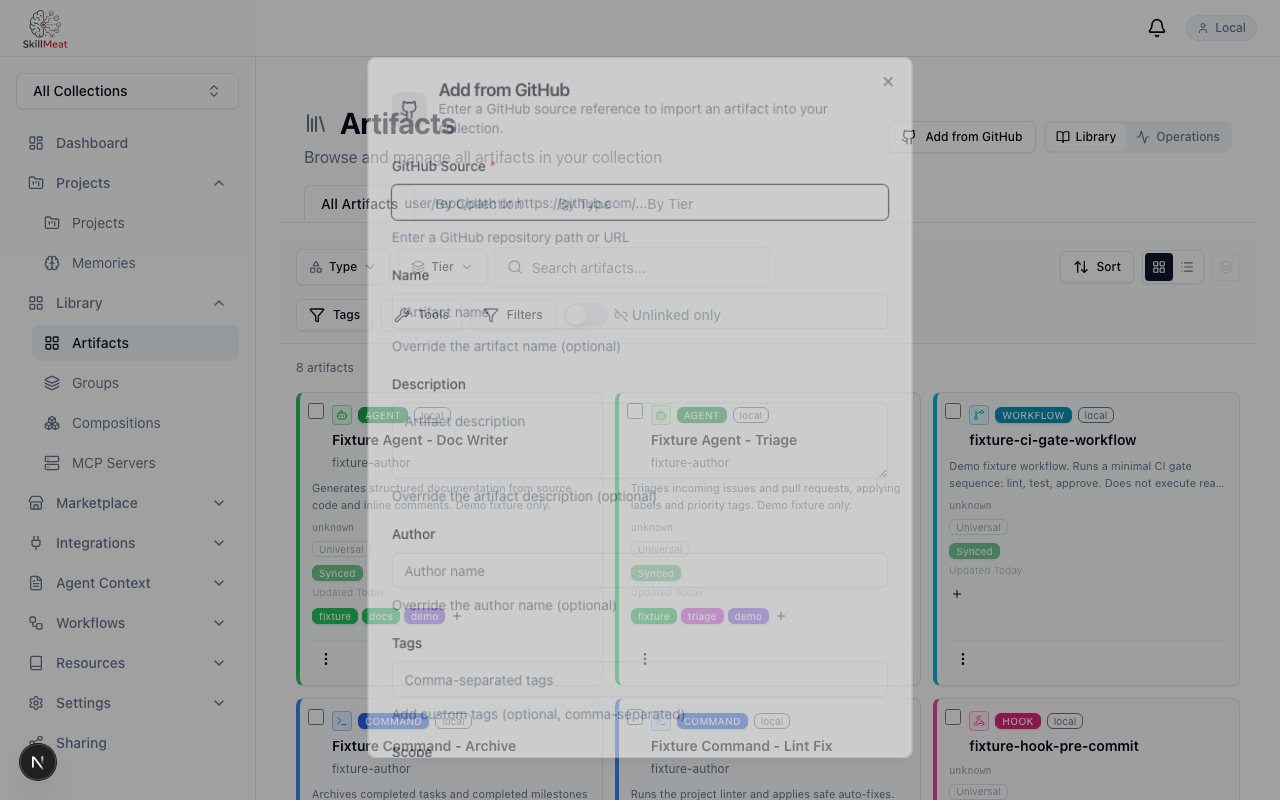
The import trigger opens a modal with a source input field.
What's happening:
- The "Add from GitHub" trigger opens a dialog with the source input
- The input accepts the familiar
owner/repo/path@versionformat - The format is exactly the same as the
skillmeat addCLI command
Enter the Source Reference
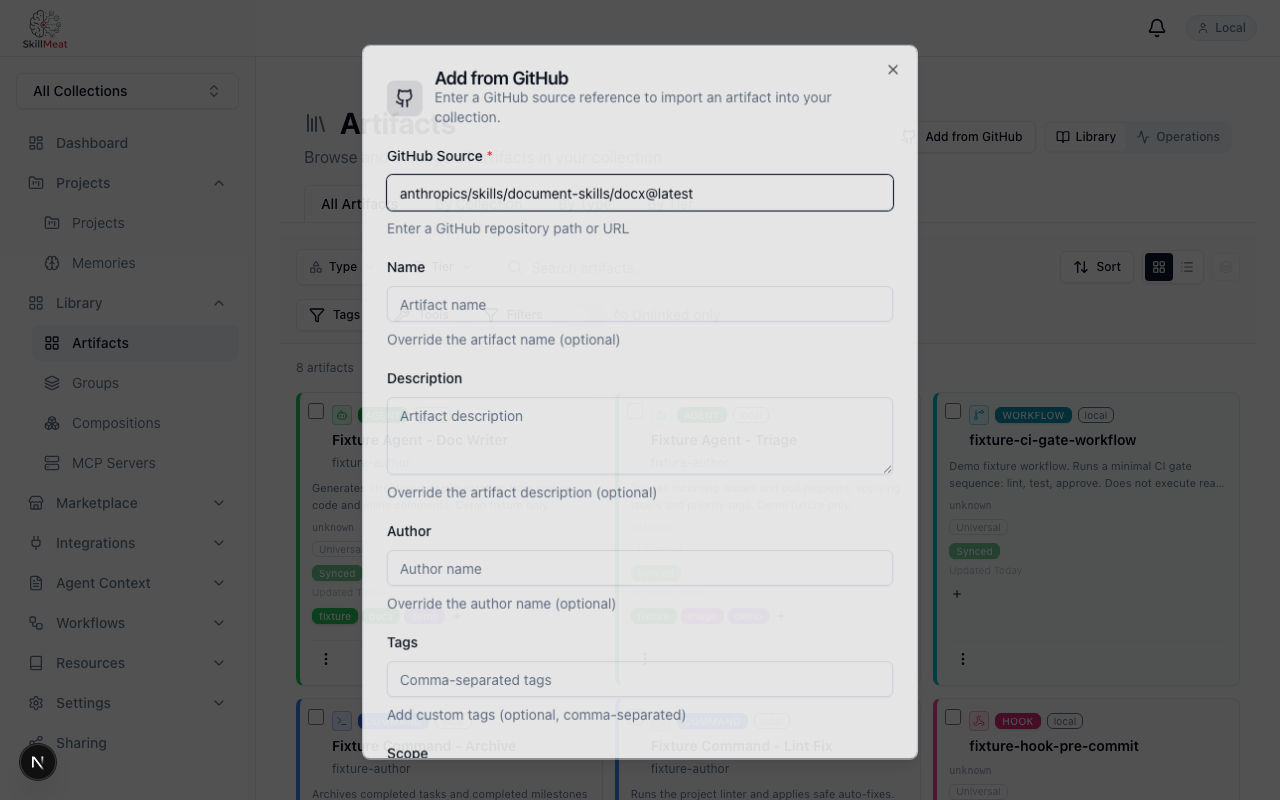
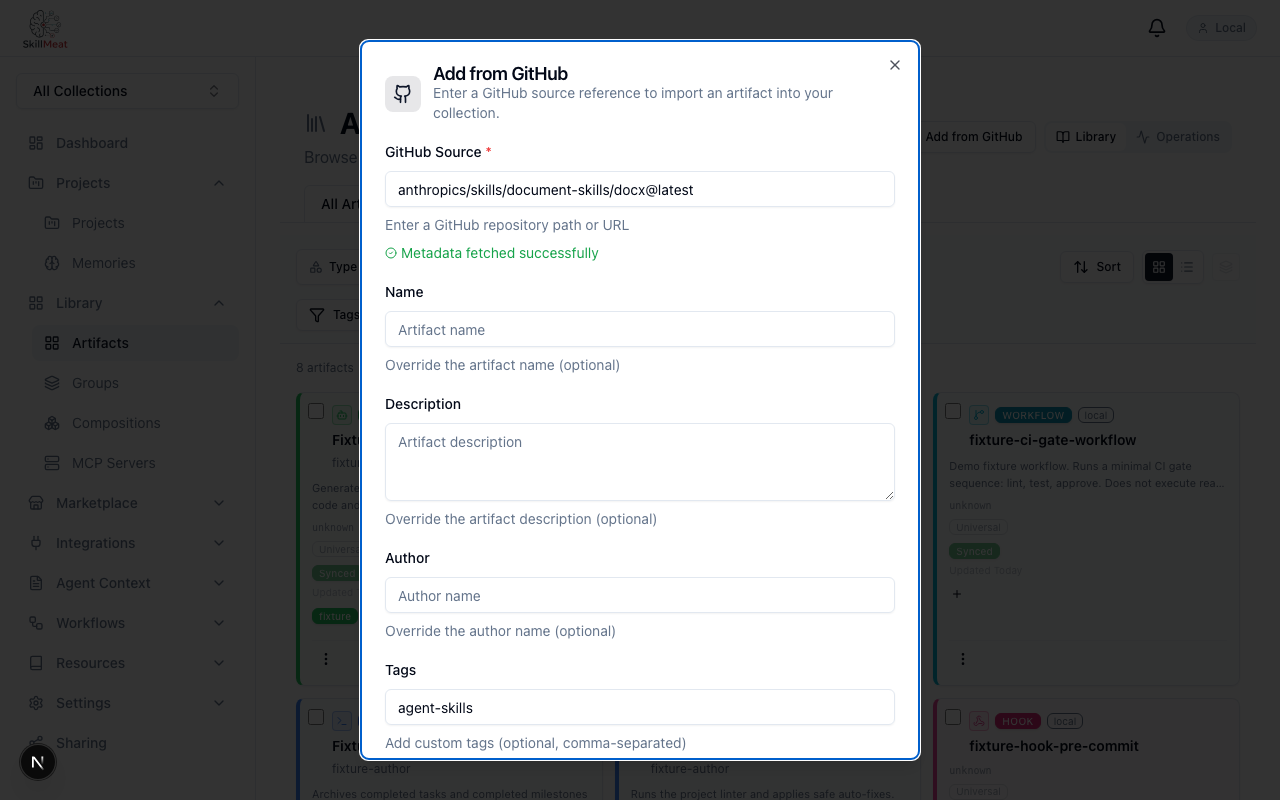
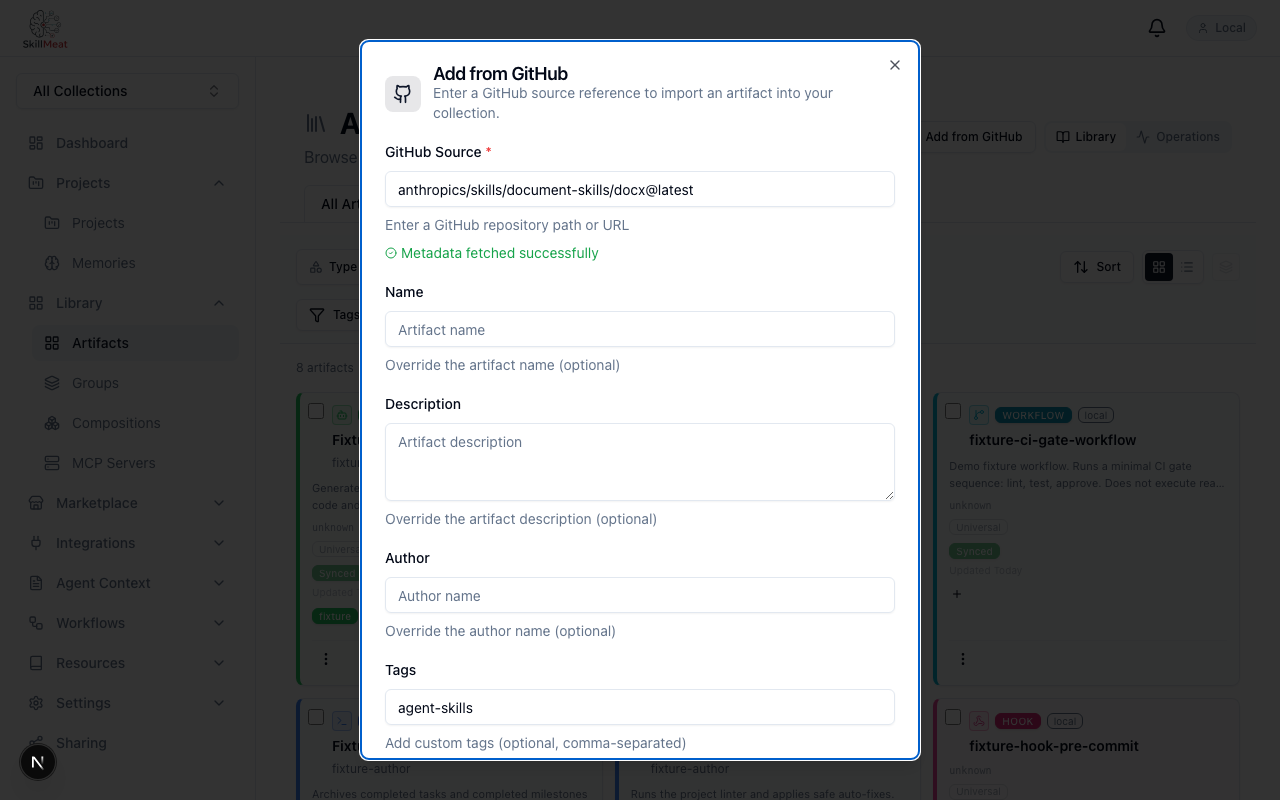
Type the GitHub source — including a version qualifier.
What's happening:
- Source:
anthropics/skills/document-skills/docx@latest - Path segments resolve to a single artifact within the repo
@latestis the loose reference — the next step is where it becomes specific
Resolution Preview
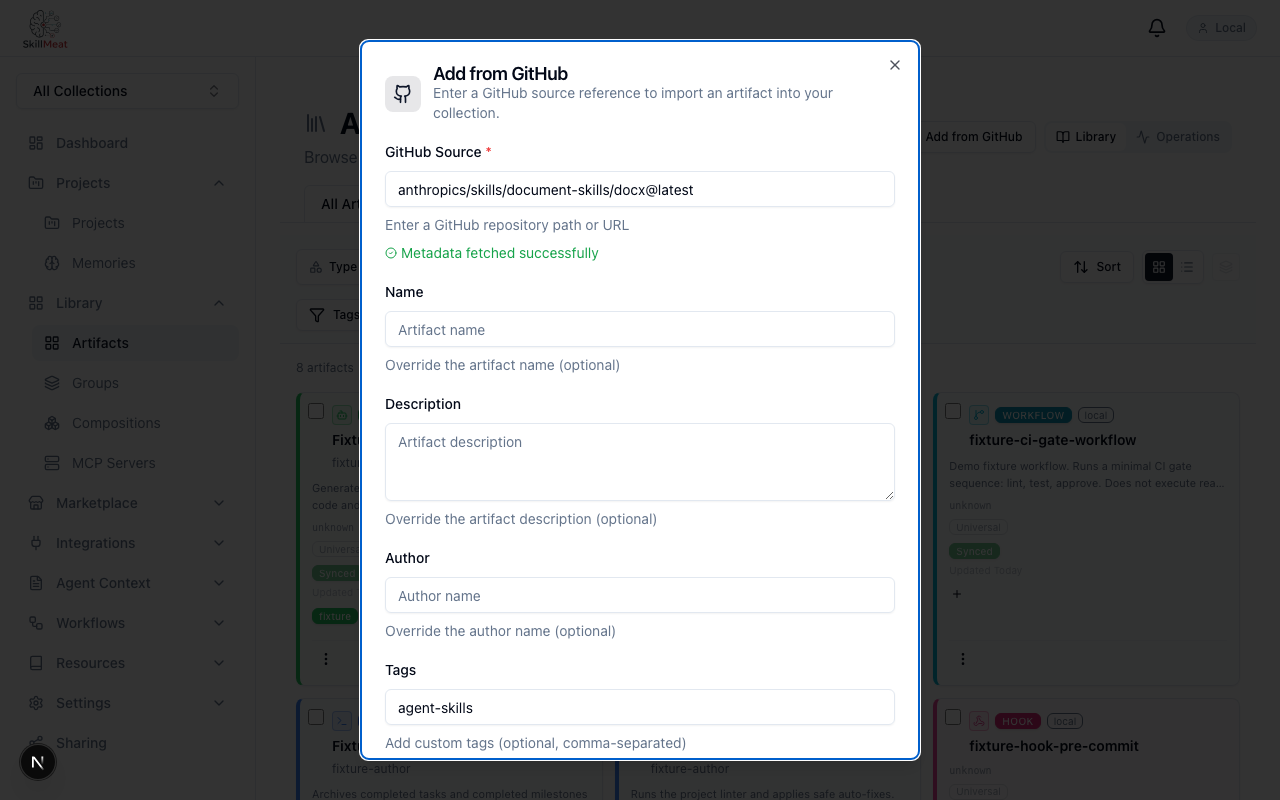
Submit the form and the modal shows the resolved metadata before confirm.
What's happening:
- The modal resolves
@latestto a concrete SHA — visible in the resolution panel - Artifact name, type, and description are confirmed from the repo
- Nothing has been written to the collection yet — this is a preview
Lockfile Metadata
Expand the lockfile detail to see exactly what will be persisted.
What's happening:
resolved_shashows the commit SHA that was pinnedresolved_versionshows the human-readable tag (e.g.v2.1.0)locked_atshows the resolution timestamp- This is exactly what the lockfile entry will contain — visible before commit
Confirm the Import
Click "Add to Collection" — the modal closes with a success indicator.
What's happening:
- The artifact is written to the collection with the resolved SHA pinned
- The lockfile entry is generated automatically — no hand-editing
- The /artifacts page refreshes to show the new card
Why the SHA Matters
@latest is a moving target. The resolution preview pins it.
| Reference | Meaning | Reproducible? |
|---|---|---|
@latest |
Whatever HEAD points to right now | No |
@v2.1.0 |
A named tag (could be moved) | Mostly |
@abc1234 (SHA) |
An immutable commit | Yes |
SkillMeat resolves all references to a SHA before locking. The lockfile entry stores the SHA — so reinstalling on another machine, or after a tag is moved, lands the same code.
Key Takeaways
- Same source format as the CLI:
owner/repo/path@version @latestis resolved before commit: You see the SHA in the modal, not after the fact- Lockfile metadata is visible pre-confirm: SHA, version, and timestamp all shown before you commit
- No page reload: The artifact card appears in the collection immediately after import
- Reproducible by default: Every import pins to a concrete SHA — moving tags don't change what you imported
Next Steps
- Try importing via the CLI — same format, same resolution mechanic
- Once imported, sync changes from upstream to track new releases
- See the artifact source format reference for advanced options