Scaffold from PRD (Web)
See the full pipeline from PRD prose to deployed project. The web scaffolder reads your PRD, extracts capability intents with confidence scores, ranks artifact candidates from your collection, and lets you steer the final selection — all in one modal flow.
About This Demo
Duration: ~6 minutes Audience: Engineers evaluating SkillMeat's PRD-driven scaffolding What you'll see: Projects page, scaffold modal, PRD path input, analyzer running, Intent Set with confidence scores, ranked candidates per intent, user-driven candidate adjustments, bundle deployment
What You'll See
Projects Landing
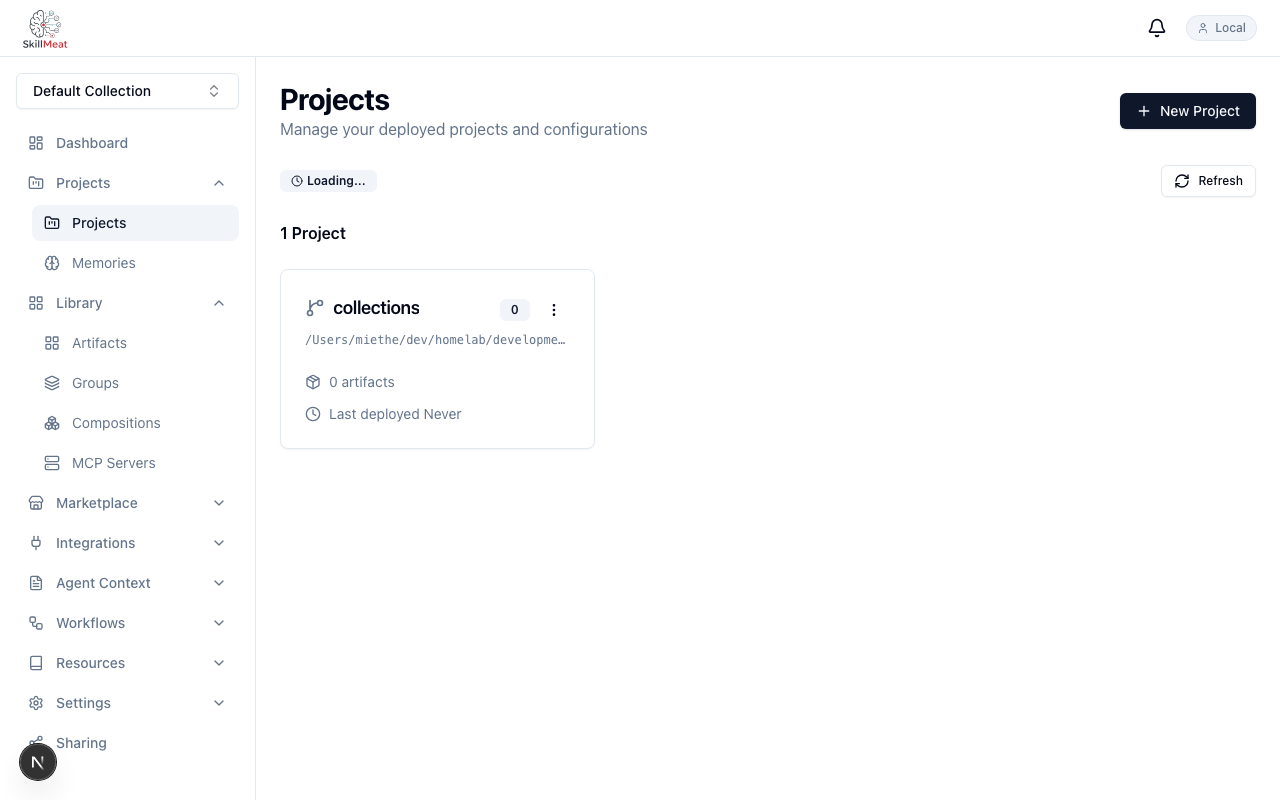
The /projects page is the entry point — fixture collection already indexed.
What's happening:
- The collection is already loaded — skills, commands, agents indexed and ready
- The scaffold trigger is a first-class action on this page, not a hidden menu item
Open the Scaffold Modal
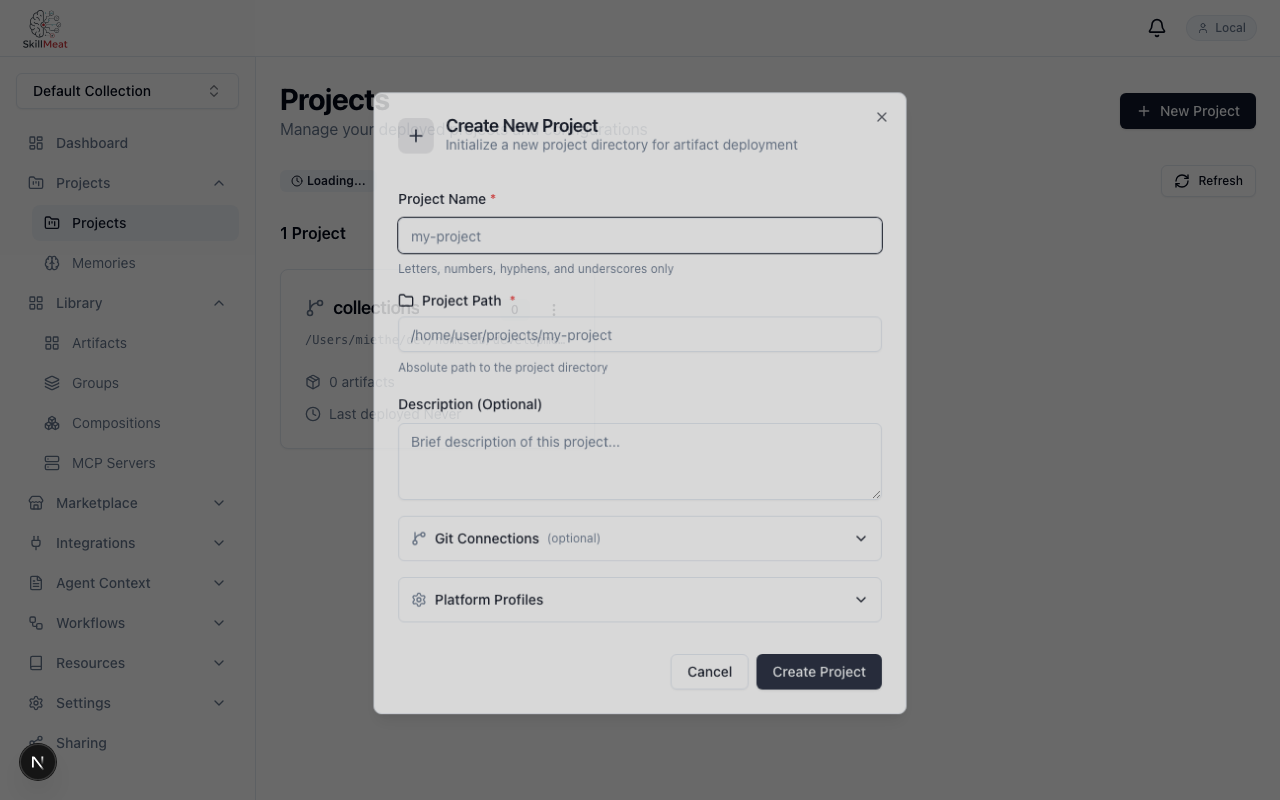
Clicking the scaffold trigger opens the pipeline entry modal.
What's happening:
- The modal offers multiple input modes for source context
- We're going to use the PRD path option — others include directory and free-text
Select PRD Mode
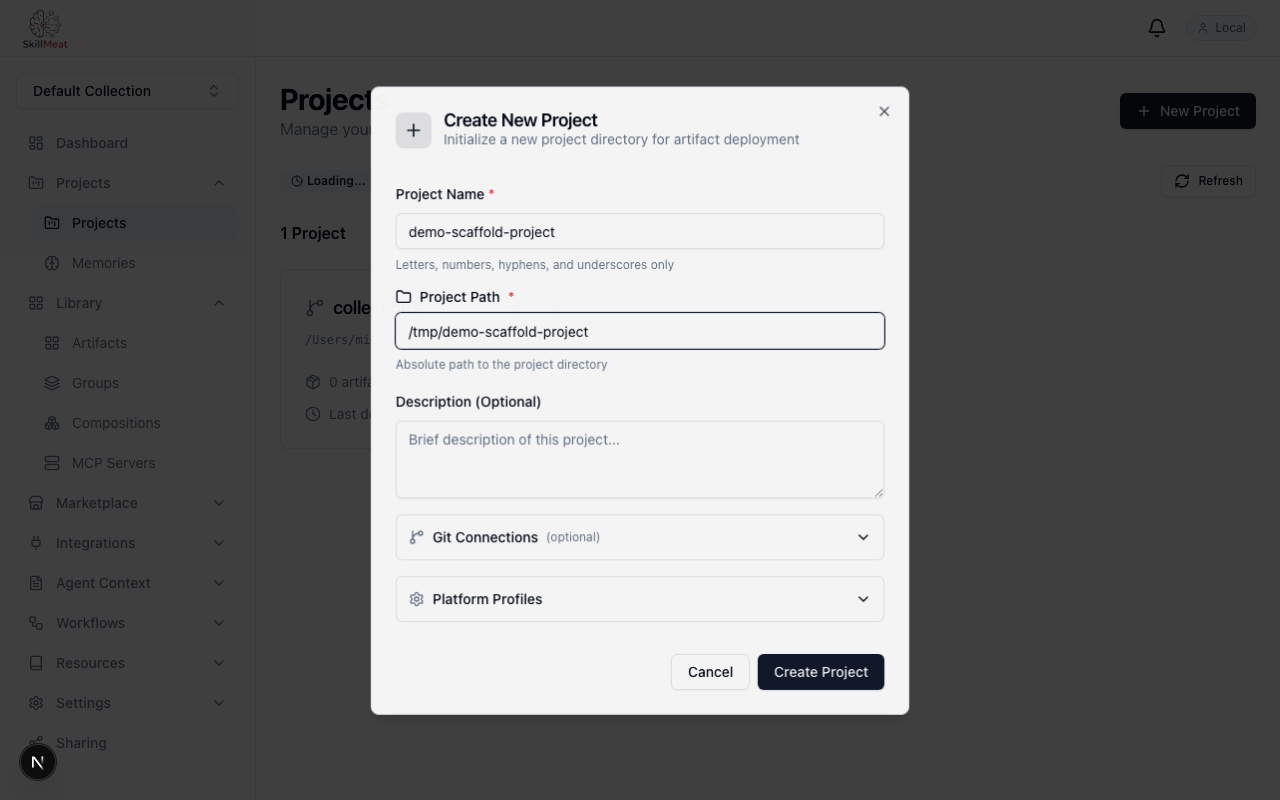
Select PRD path — the input field becomes active.
What's happening:
- The mode switch reveals the PRD path input
- Other modes (directory, free-text) are documented but not used in this walkthrough
Enter the PRD Path
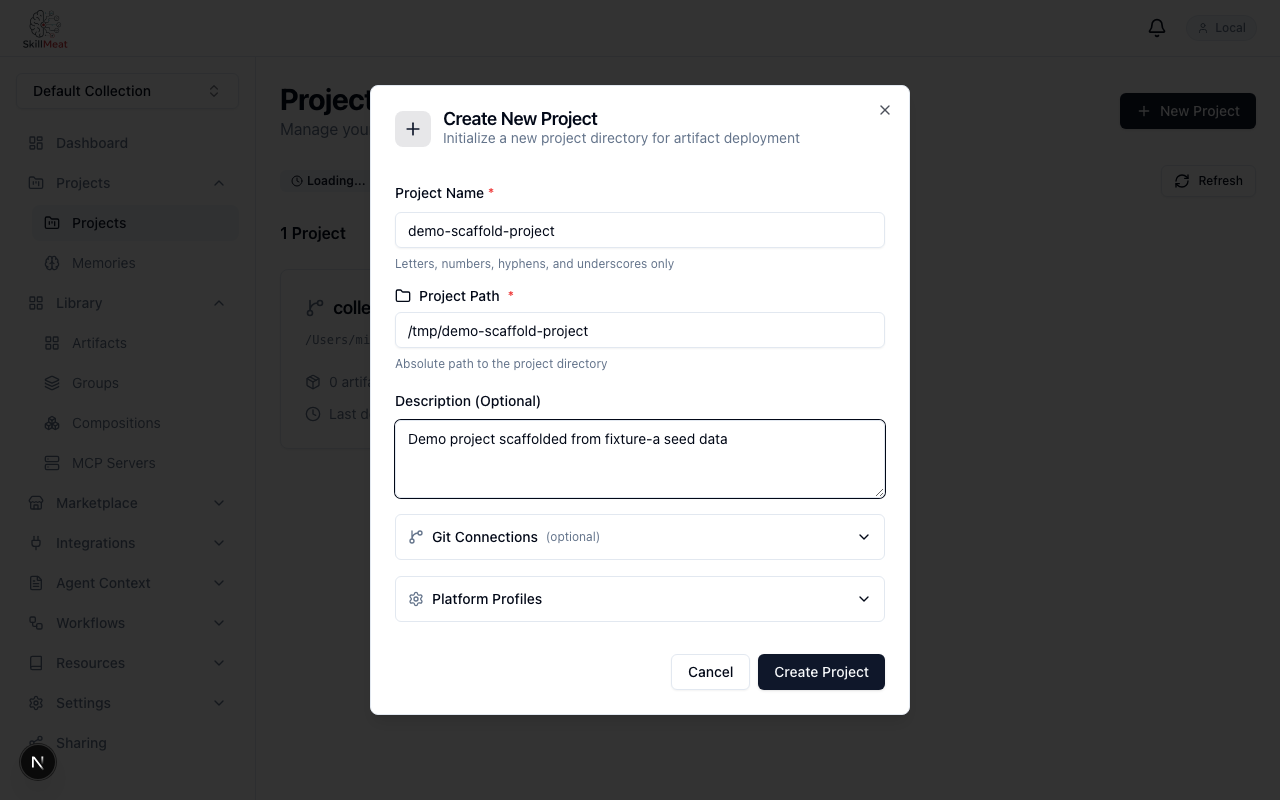
Type the path to your markdown PRD and click Analyze.
What's happening:
- The PRD is plain markdown — prose, not YAML or any structured spec format
- The API resolves the path relative to the working context
- "Analyze" is the commit point — the project-analyzer pipeline starts
Analyzer Running
A progress indicator confirms the pipeline is active.
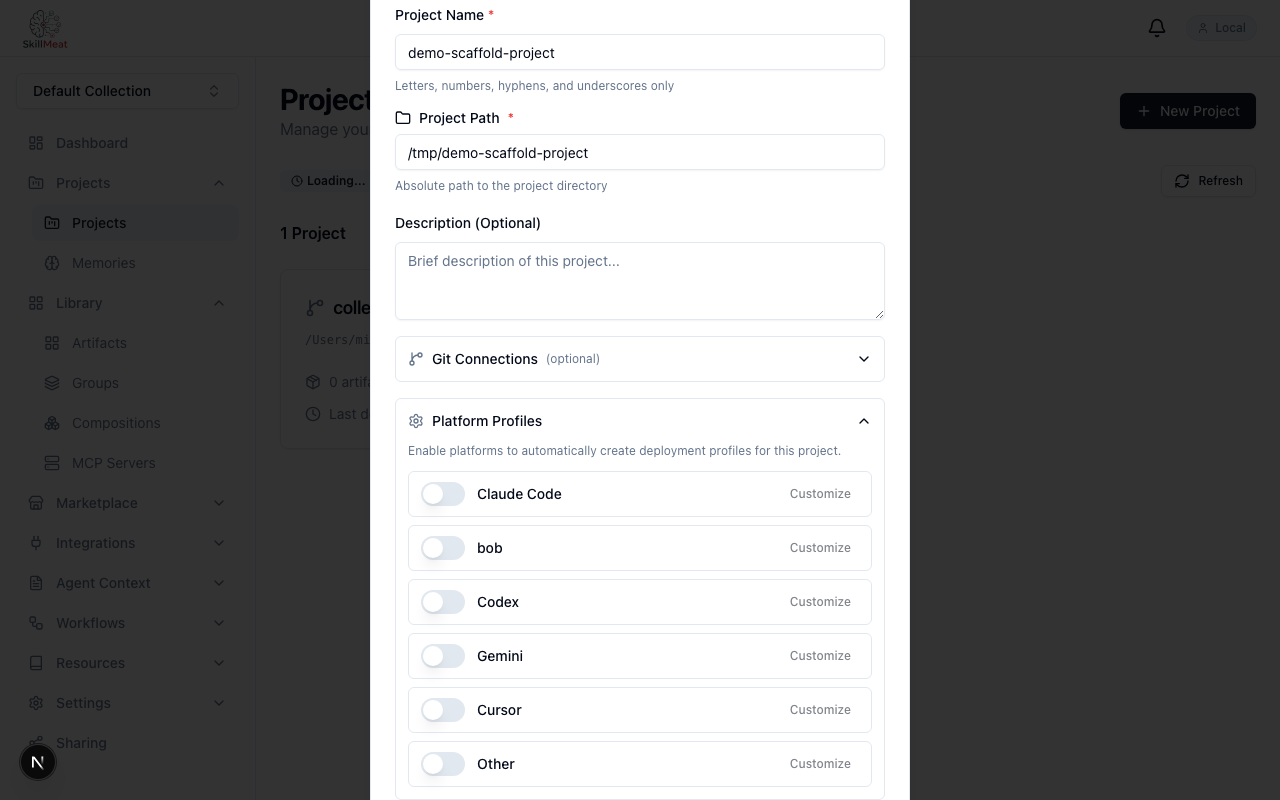
What's happening:
- The project-analyzer reads the PRD prose and structures intent
- This takes a few seconds — it's reading content, not pattern-matching keywords
Intent Set Extracted
Each capability the analyzer extracted is shown with a confidence score.
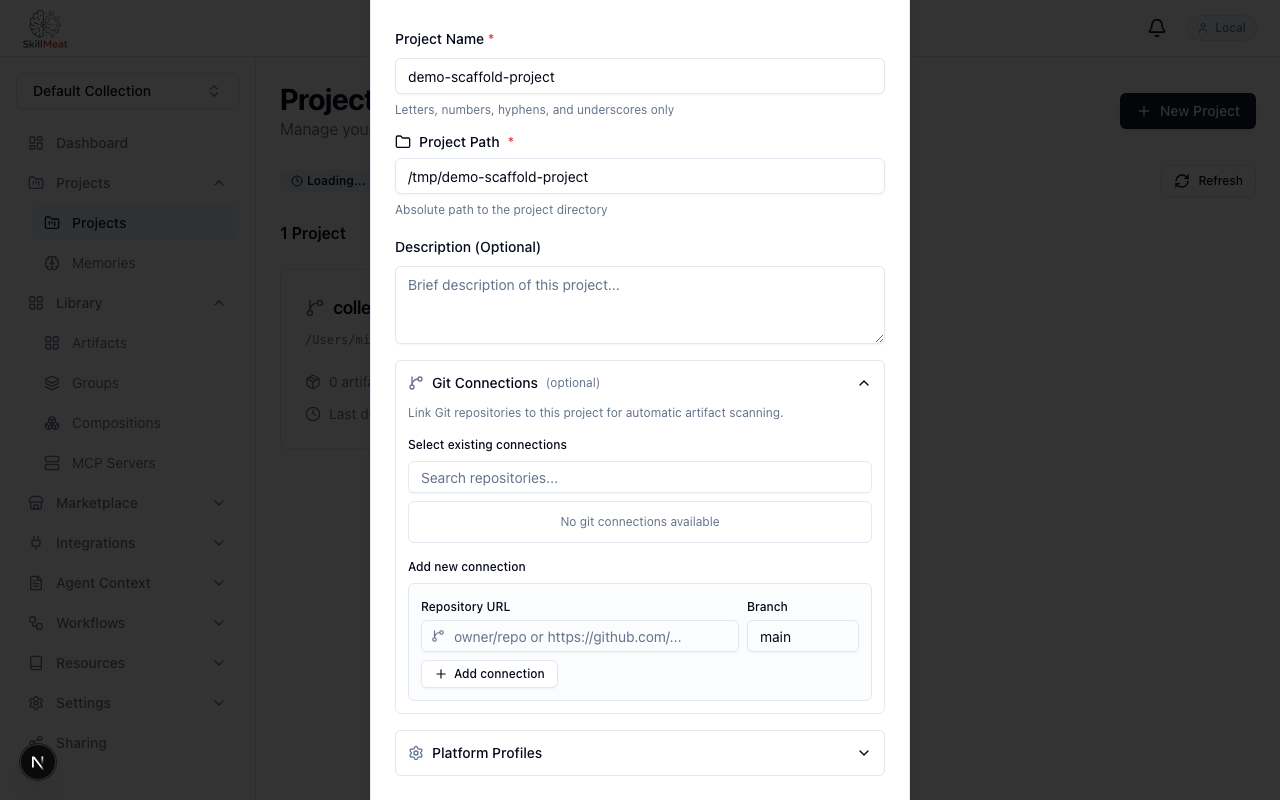
What's happening:
- Each row is a capability inferred from PRD prose
- Confidence scores show what the system is certain about and where it inferred from context
- High scores: the PRD stated the capability explicitly
- Lower scores: inferred from surrounding text — these are the rows where human judgment matters most
- This is not a black box — the scores make the system's certainty visible
Ranked Candidates per Intent
Expand an intent to see the ranked artifact candidates from your collection.
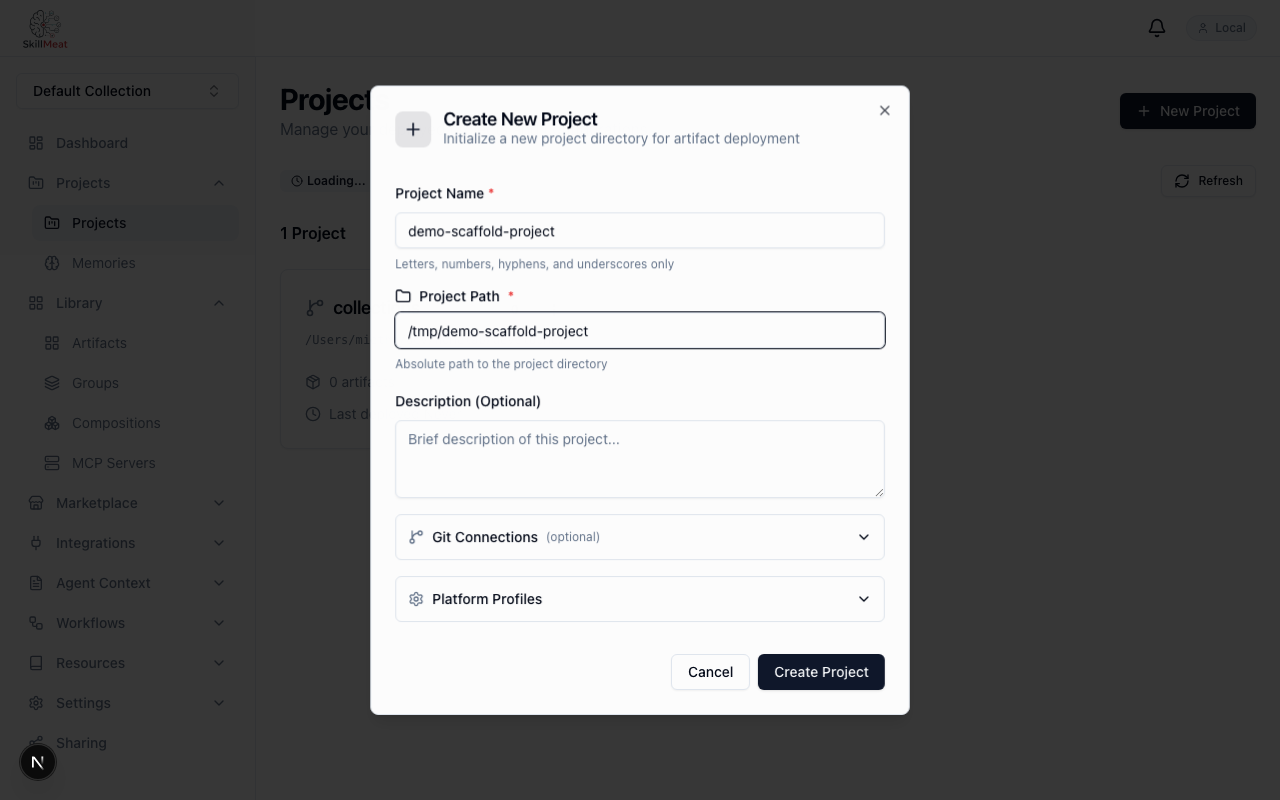
What's happening:
- The artifact-curator matched collection artifacts to each intent
- Candidates are ordered by relevance score — the top candidate is the curator's first choice
- You didn't search or filter — the curator surfaced these for you
- Alternatives are listed below the top pick for cases where the first match isn't ideal
Steer the Selection
Toggle off any candidate that's wrong for your project — the bundle updates immediately.
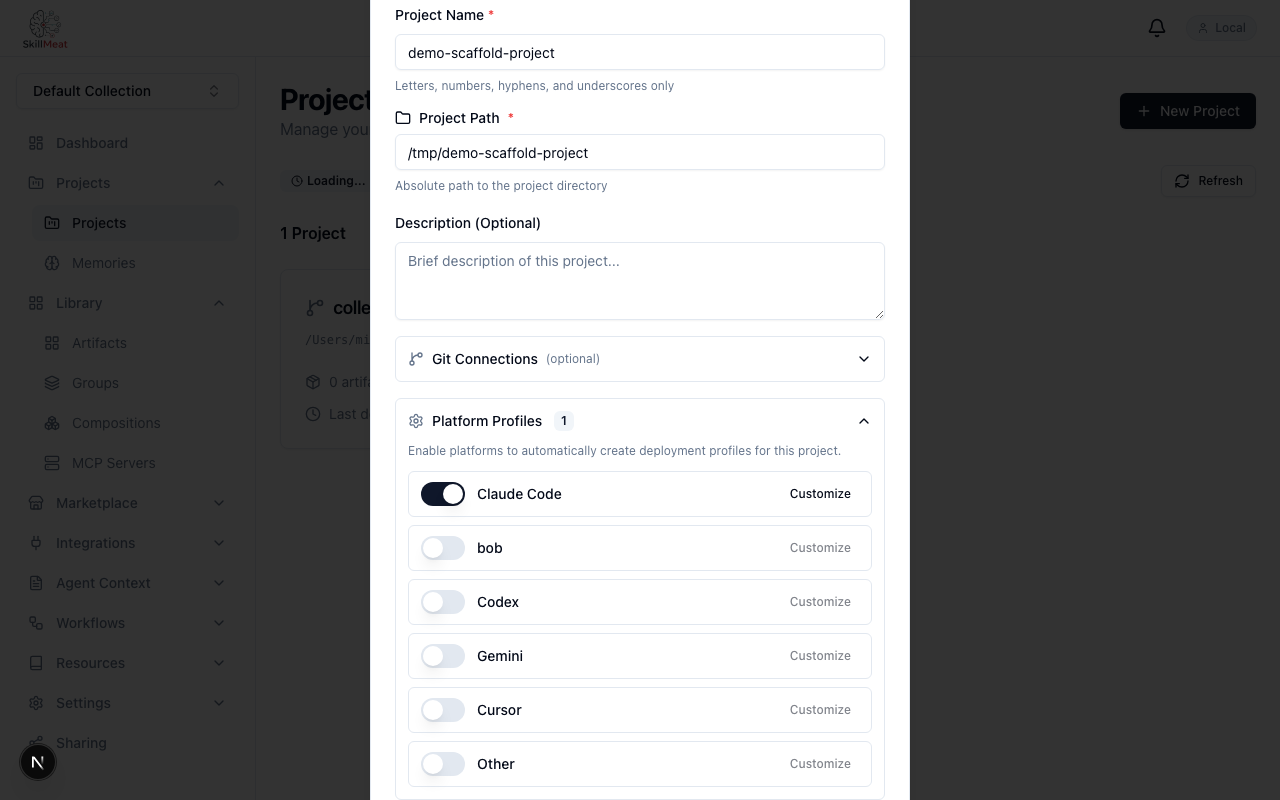
What's happening:
- The pipeline curates; you steer
- Toggling a candidate updates the bundle in place — no save step
- Pick alternatives from the candidate list when the top choice doesn't fit
- This answers the "what if it gets it wrong?" question — the user has the final say
Confirm and Deploy
Click Confirm — the bundle deploys to the new project.
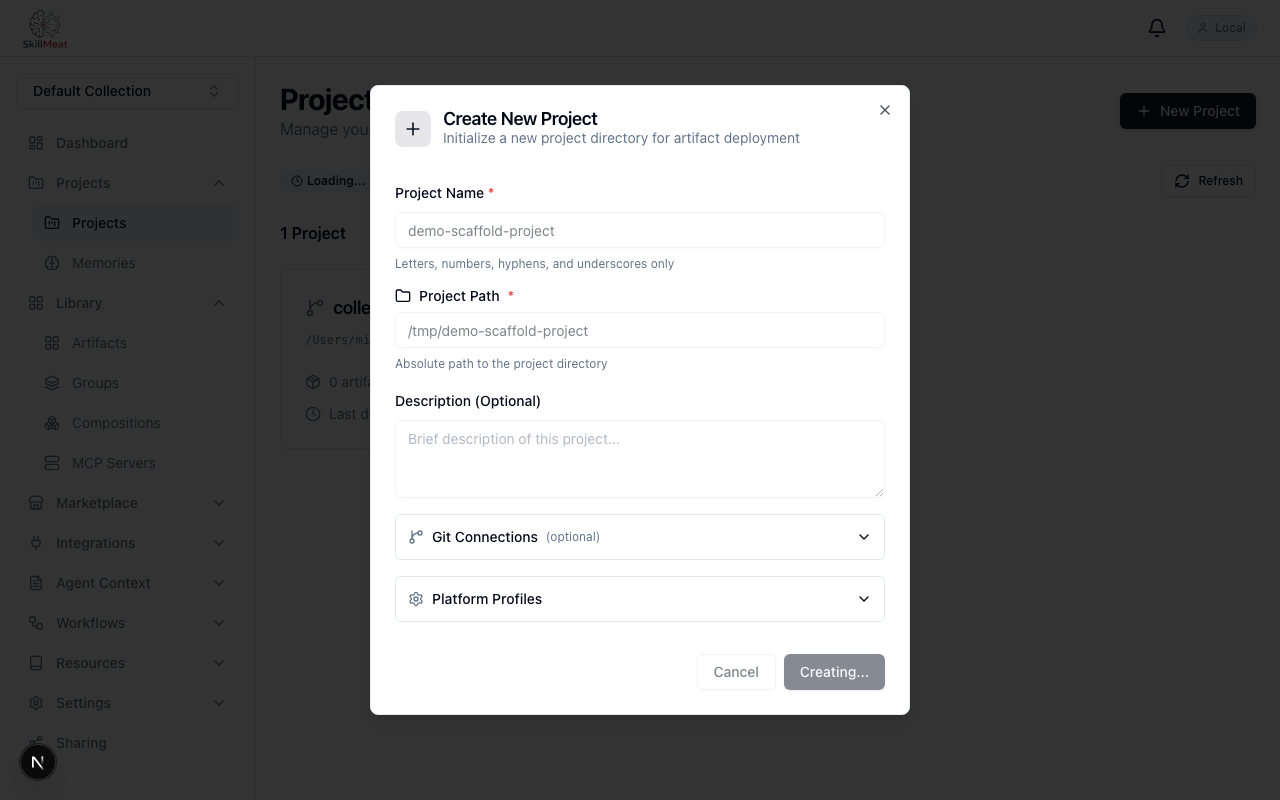
What's happening:
- The bundle — your curated selection — is written to the project's
.claude/ - A progress indicator runs through to completion
- No config file was edited, no manifest was hand-written, no artifact was copy-pasted
How the Pipeline Decomposes
The flow is three discrete stages, each with a named component:
| Stage | Component | What it produces |
|---|---|---|
| Intent extraction | project-analyzer |
Intent Set with confidence scores |
| Candidate ranking | artifact-curator |
Ranked candidates per intent |
| Deployment | Scaffold pipeline | Deployed bundle in project .claude/ |
Each stage's output is visible in the modal — the system isn't asking you to trust an opaque flow.
Key Takeaways
- PRD prose is the only input: No structured spec, no YAML, no schema
- Confidence scores are first-class: The system's certainty is shown, not hidden
- Ranked candidates, not single picks: Each intent shows alternatives, not just the curator's first choice
- User has the final say: Toggle candidates on/off; the bundle reflects exactly what you chose
- Three named stages: Analyzer → Curator → Deploy. Each output is visible to you
Next Steps
- Try the CLI equivalent — same pipeline, terminal-driven
- Combine with
scaffold --fullto deploy org Project Starters first, then layer PRD-curated artifacts - Once deployed, sync the project to keep artifacts current