Collection Initialization (Web)
See how to initialize your collection and navigate the web dashboard. This walkthrough shows the complete flow from initial setup to browsing your artifacts.
About This Demo
Duration: ~90 seconds
Audience: All users
What you'll see: Dashboard initialization, artifact browsing, and detail views
What You'll See
Opening the Dashboard
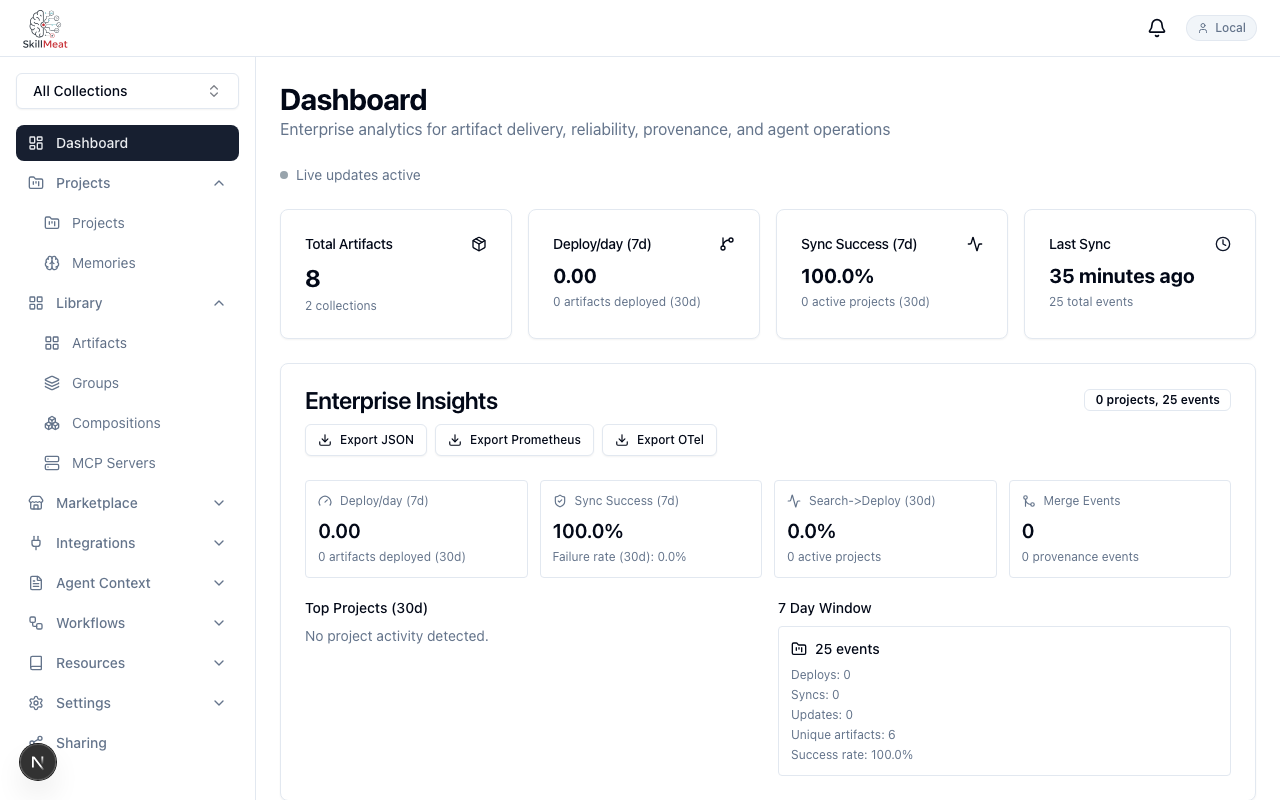
When you run the setup script, SkillMeat initializes your collection and opens the web dashboard. Your artifacts are already loaded and ready to explore.
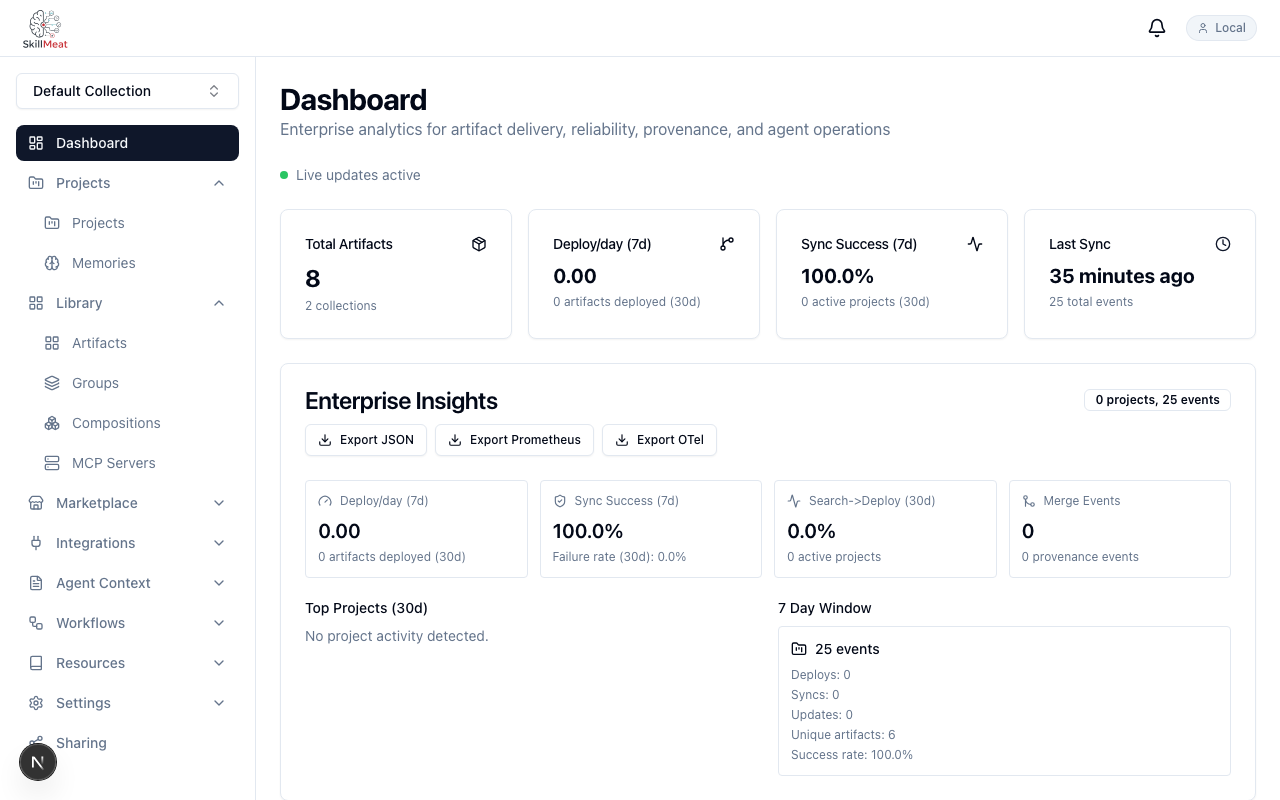
What's happening: - The dashboard shows your initialized collection - The "Live" indicator in the top right confirms the API is connected - Your artifacts are already populated — no configuration wizard needed
Browsing Your Collection
Click on Artifacts in the sidebar to see everything you have — all artifact types in one unified view.
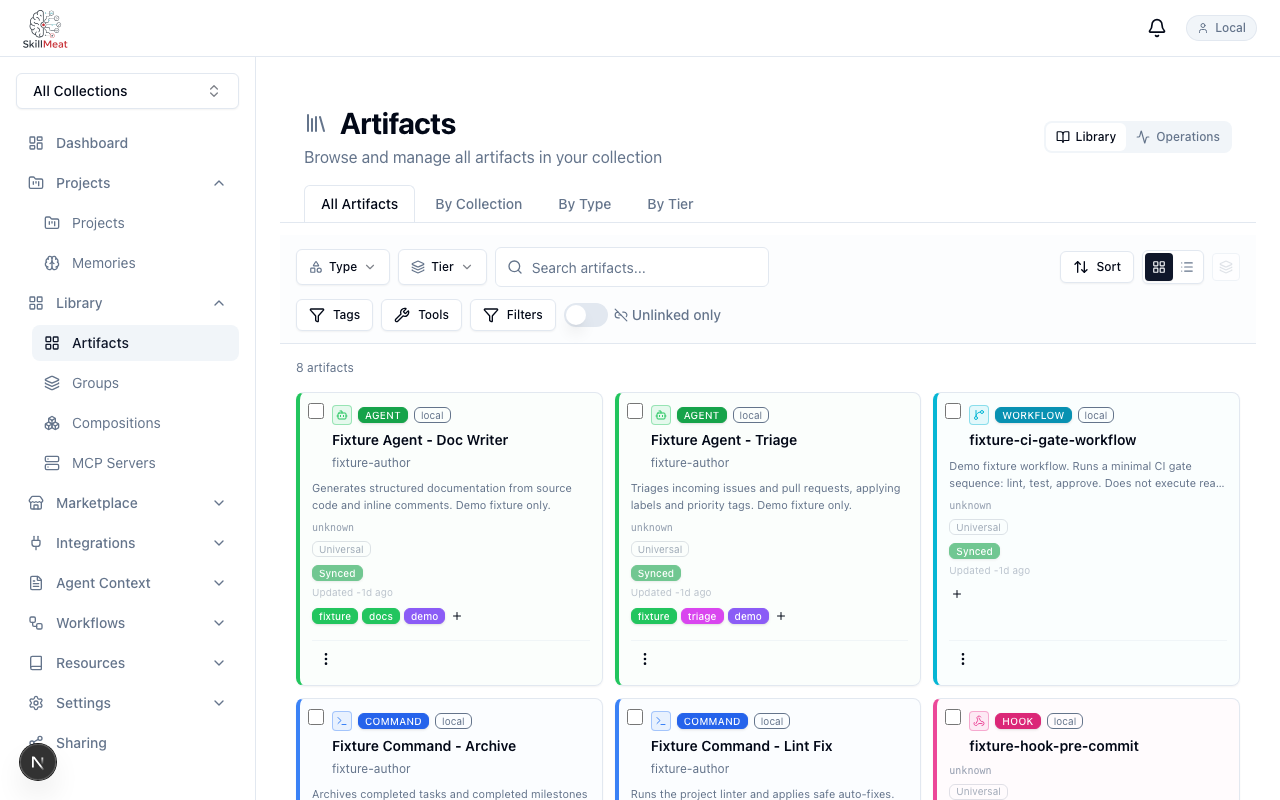
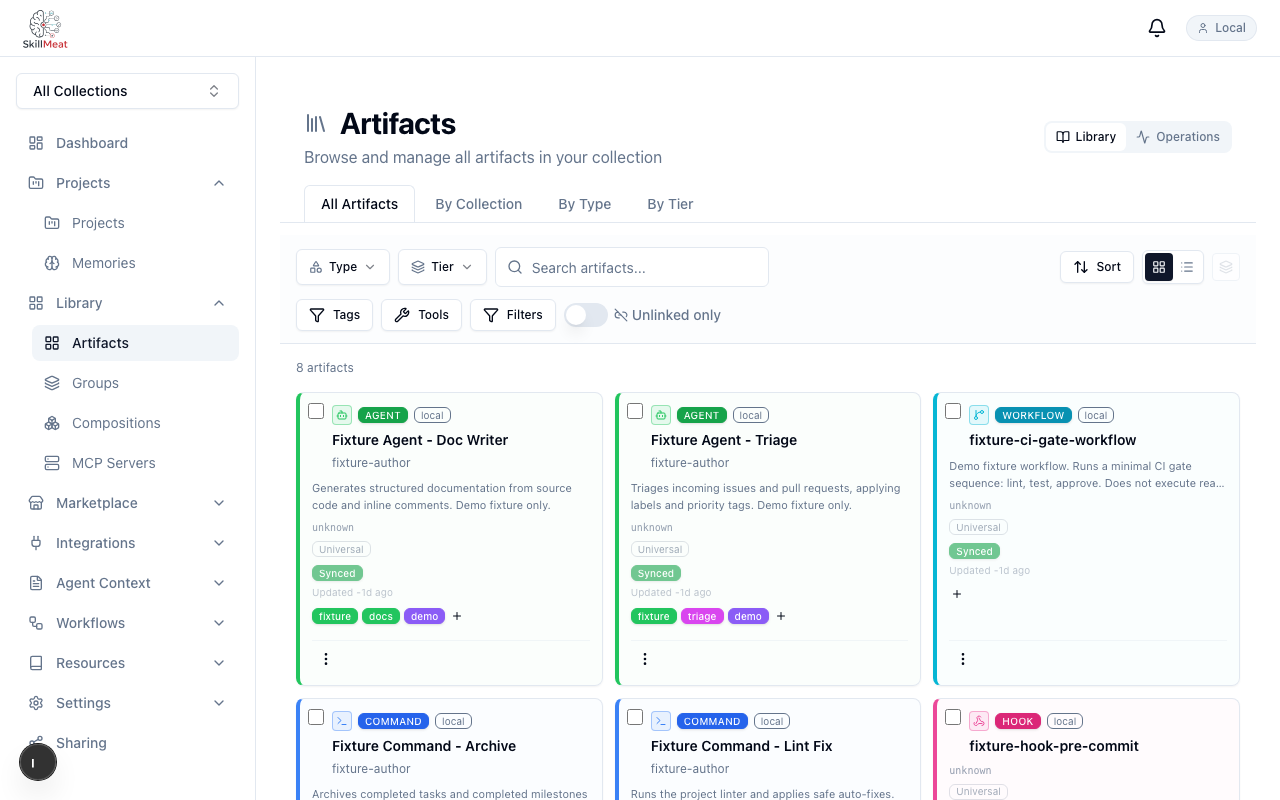
What's happening: - You can see all your artifacts: skills, commands, agents, workflows, hooks, and MCP server configurations - Type badges on each row make it easy to see what you're looking at at a glance - No filtering needed — the full collection is visible in the browser - Six different artifact types, all in one place
Viewing Artifact Details
Click any artifact to open its detail view. Close it to return to the main dashboard — everything stays in sync.
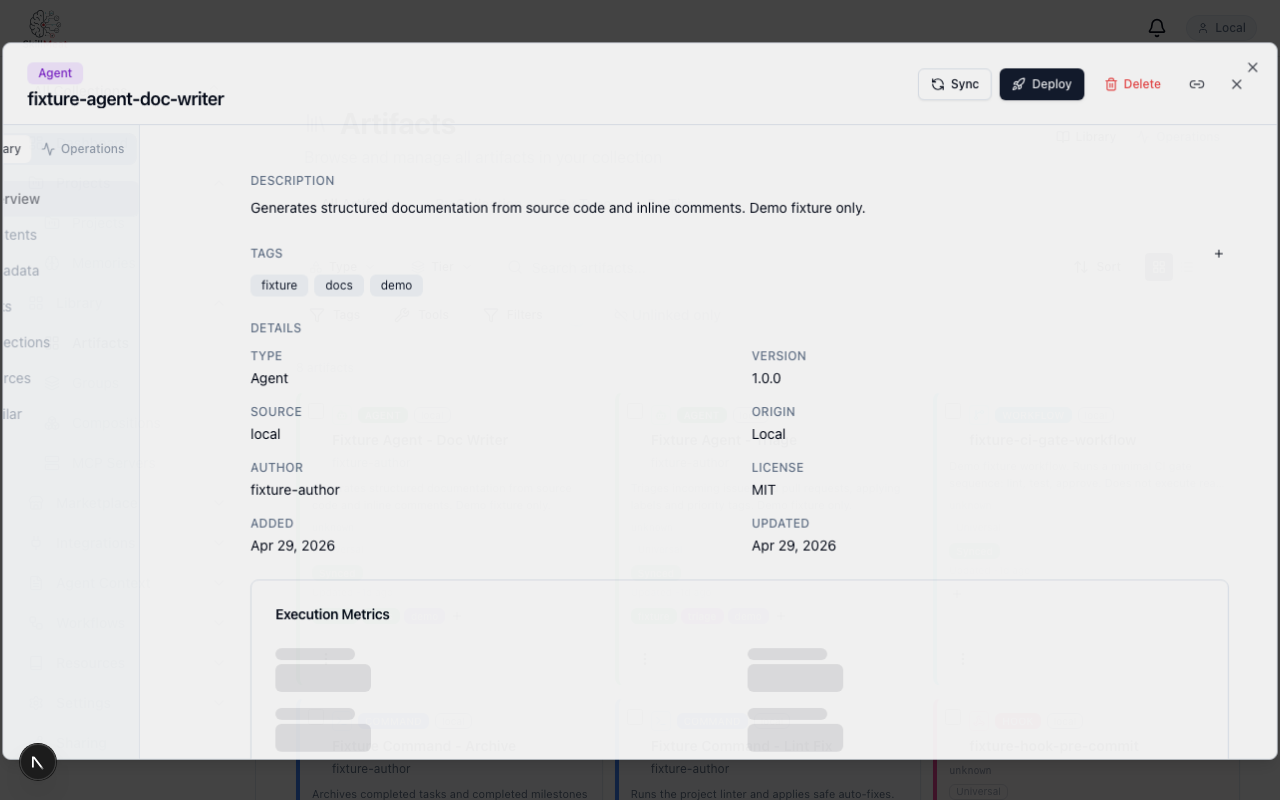
What's happening: - The artifact detail shows name, type, version, description, and source - Your collection remains consistent across sessions - You can navigate between artifacts and return to the dashboard without losing your place
Key Takeaways
- Your collection is initialized in one command — no setup wizard
- The web dashboard gives you a unified view across all artifact types
- Type badges make it easy to scan and understand what you're looking at
- The API stays live throughout your session
Try It Yourself
# Initialize your collection
skillmeat init

# Start the web UI
skillmeat web dev

# Open http://localhost:3000 in your browser
# Click Artifacts to browse your collection
Next Steps
- Learn how to discover artifacts in the marketplace
- See how to import artifacts from GitHub
- Explore deploying artifacts to projects